




NozzlePRO Fundamentals
-
 1hr 32min
-
 Self paced
-
Trusted by professionals
-
Certification included
-
Industry standard content
Why take this course?
This self-paced course covers the essentials of NozzlePRO, including the interface, base shell and nozzle types, and pipe size database usage. Learn to import nozzle loads, work in MatPRO, and manage model visualization and results. The course includes video lectures, quizzes, and offers a certificate with PDH credits upon completion for a thorough understanding of efficient nozzle analysis.
-
 Unlimited Access with Membership
-
 By Industry Experts
-
 100% Online Course
About the course
Discover the essentials of NozzlePRO in this foundational course. Explore the interface, base shell types, and nozzle/attachment types. Learn to use the pipe size database, work in MatPRO, and import nozzle loads manually and automatically from pipe stress software. Master orientation settings, model visualization, result review, and output reports, including using the batch processor for efficient analysis.
-
1hr 32min
-
1.5 PDH Credits

-
English

-
SPC213M2

Meet your instructor
Dynaflow Research Group
Dynaflow Research Group is an engineering consultancy working across piping design and analysis, flow dynamics, vibration, FRP piping, pressure equipment and specialist engineering software. Its experience includes EN and ASME design rules for piping and pressure vessels, buried piping, water hammer, pulsation, dynamic stress assessment, vibration measurement, FEA tools, BOSfluids, BOSpulse, PV Elite and NozzlePRO workflows.

Who should attend this course
• Beginner NozzlePRO users that want to learn the foundations.• Intermediate NozzlePRO users that want to understand more about the different features.
• Users of other PRG Suite & FE/Pipe.
• Those that want to understand more about the capabilities of NozzlePRO.
• Those conducting ASME VIII-2 assessments.
Program & Details
-
NozzlePRO Fundamentals

1. The NozzlePRO Interface
2. Base shell types
3. Nozzle / Attachment types
4. Pipe size database
5. Working in MatPRO
6. Importing Nozzle Loads from Pipe Stress Software Manually
7. Orientation settings
8. Importing Nozzle Loads from Pipe Stress Software Automatically
9. Operating versus Design pressure
10. Visualizing your model
11. Visually verifying your model
12. Reviewing Results
13. Output Reports
14. Using the Batch Processor
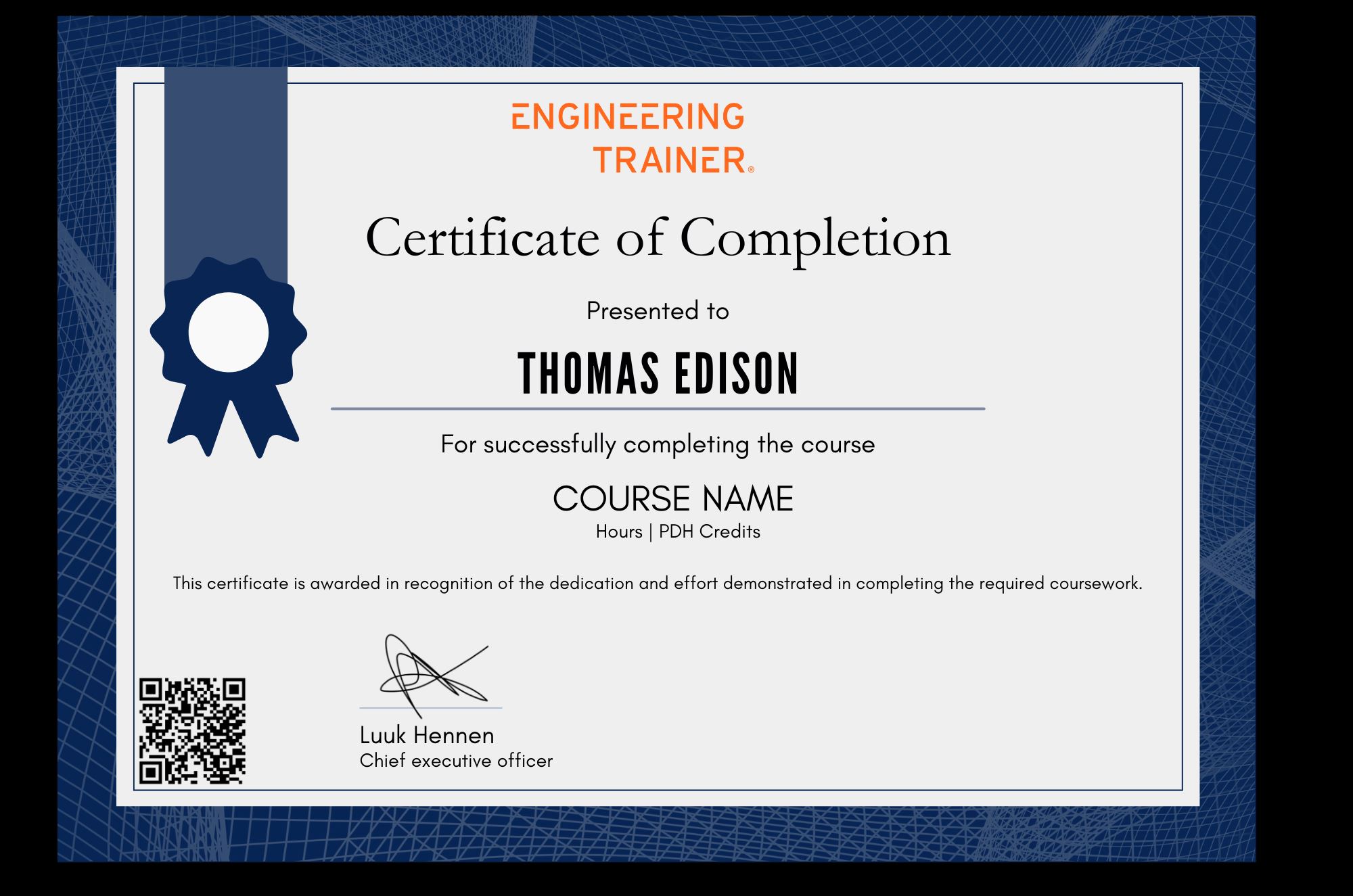
Certification
Related courses


Why choose EngineeringTrainer
-
Unlimited Team-wide Access
-
Advance Technical Competences
-
Courses by Industry Authorities
Since using EngineeringTrainer our internal mentorship has a much more matured character.
Logan Chapman - COO at Chapman Consulting Inc.
Request a Quote
Train Smarter. Grow Faster.
Build real-world skills that help you make better engineering decisions, reduce errors, and stand out in your field.