




Pipe Marking & Modeling using ISOtracer
-
 30min
30min
-
 Self paced
-
Trusted by professionals
-
Certification included
-
Industry standard content
Why take this course?
This course shows how to turn piping isometrics into marked-up drawings and digital models with the ISOtracer software package. It covers route tracing, nodes, branches, flanges, supports, comments and drawing or model export for piping-design and pipe-stress work. This self-paced online course includes video lectures and a completion certificate with PDH credits.

What you'll learn
After completing this course, you...
• can navigate the ISOtracer interface
• can trace piping geometry and insert nodes and branches
• can add flanges, supports and comments to a traced model
• can export a marked-up isometric drawing
• can export an ISOtracer model for downstream piping work
-
 1-year access
-
 By Industry Experts
-
 100% Online Course
About the course
This course shows how to turn piping isometrics into marked-up drawings and digital models with the ISOtracer software package. It covers route tracing, nodes, branches, flanges, supports, comments and drawing or model export for piping-design and pipe-stress work.
-
Self-Paced Course

-
30min
-
0.5 PDH Credits

-
English

-
SPC185

Meet your instructor
EngineeringTrainer
EngineeringTrainer is an online technical training provider for engineering professionals. It works with industry instructors and engineering partners to offer self-paced and instructor-led training across piping, mechanical equipment, process engineering, operation and maintenance, civil and structural engineering, instrumentation and electrical engineering, and sustainability. Its catalog covers engineering codes and standards, specialist software, equipment design and analysis, integrity, reliability and maintenance workflows.

Who should attend this course
• Piping designers who need to create or digitize piping isometrics• Pipe stress engineers who need to turn marked-up isometrics into reusable model data
Program & Details
-
Pipe Marking & Modeling using ISOtracer

1. Introduction to the ISOtracer interface
2. Tracing ISOtracer
3. Inserting nodes in ISOtracer
4. Implementing branches in ISOtracer
5. Adding flanges to your model in ISOtracer
6. Adding supports in ISOtracer
7. Adding comments in ISOtracer
8. Interface features in ISOtracer
9. Exporting drawings from ISOtracer
10. Exporting a model from ISOtracer
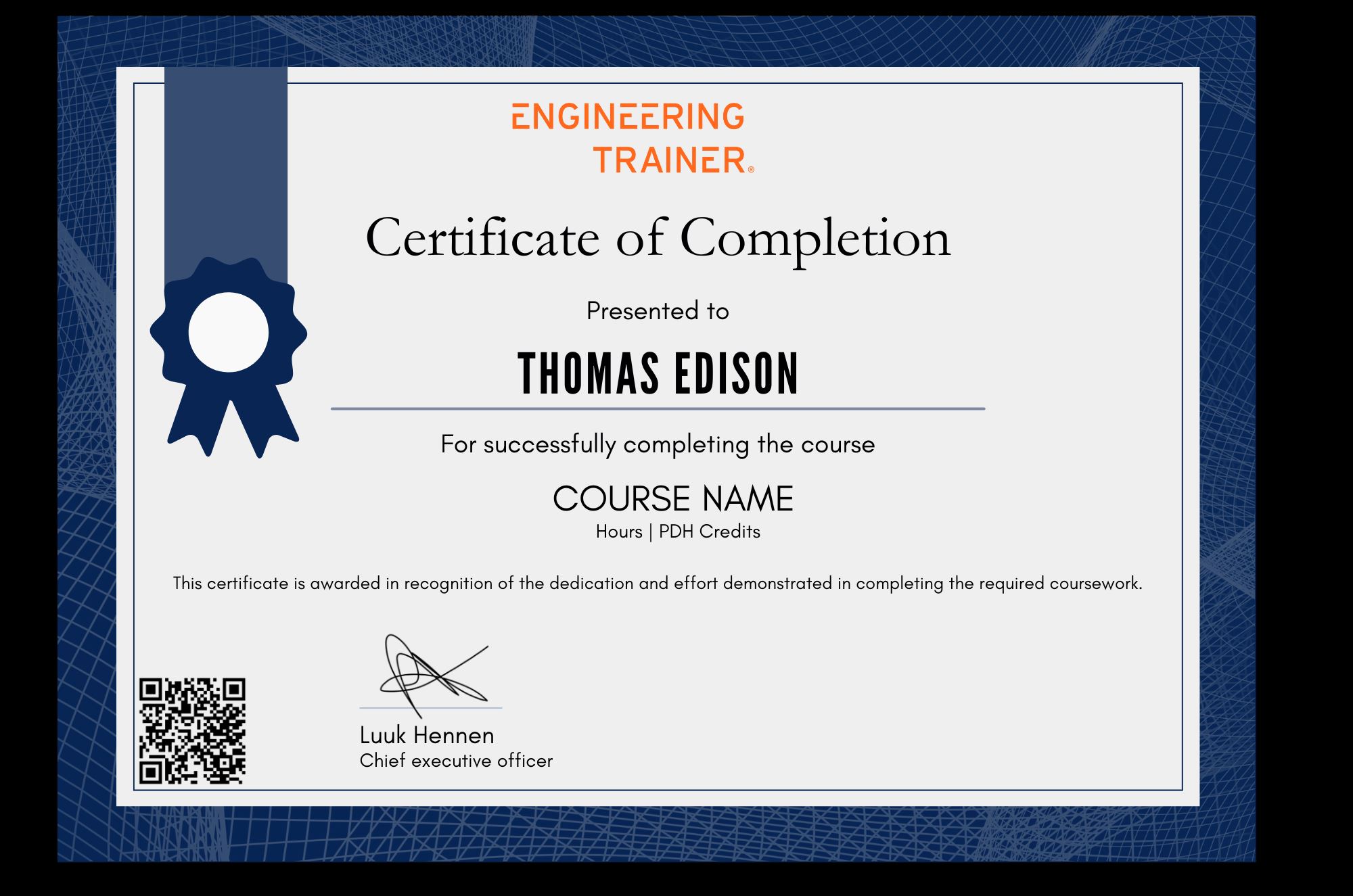
Certification
Related courses




Why choose EngineeringTrainer
-
Unlimited Team-wide Access
-
Advance Technical Competences
-
Courses by Industry Authorities
Since using EngineeringTrainer our internal mentorship has a much more matured character.
Logan Chapman - COO at Chapman Consulting Inc.
Request a Quote
Train Smarter. Grow Faster.
Build real-world skills that help you make better engineering decisions, reduce errors, and stand out in your field.